ajnasahammed.com

Uncategorized

Free Hosting vs Paid Hosting Complete Comparison in 2026
Uncategorized

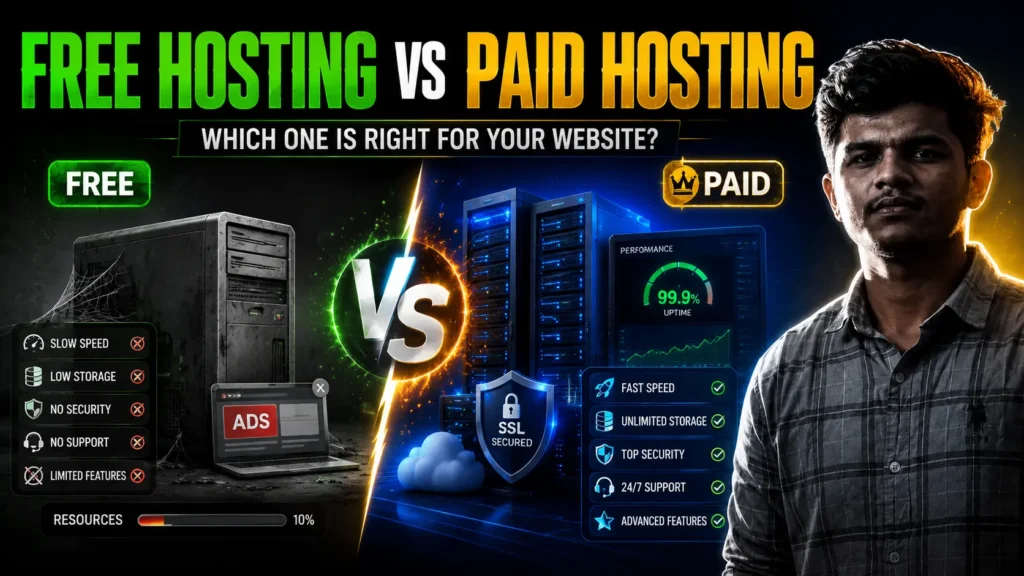
Free Hosting vs Paid Hosting: Which One Is Right for Your Website?

Free Hosting vs Paid Hosting: Which One Is Right for Your Website? Why Read This? Before you publish your first website, understand how your hosting choice affects speed, security, SEO, reliability, and your business’s long-term success. Introduction Imagine you’ve finally decided to launch your dream website. Maybe it’s a small business you’ve always wanted to start. Maybe it’s an online portfolio to showcase your work. Or perhaps you’re building an eCommerce store that you hope will become your full-time income. You spend days choosing the perfect design. You write your content carefully, upload beautiful images, and click the Publish button with excitement. Then reality hits. Your website loads slowly. Visitors leave before it opens. Sometimes it’s offline. You notice unexpected advertisements on your pages. Customer enquiries never arrive. You wonder whether your website is the problem. For many beginners, the issue isn’t the website itself—it’s the hosting behind it. Choosing web hosting can feel like buying a car without understanding what the engine, mileage, or safety features actually do.. Many people simply choose the cheapest option or, even more tempting, a completely free one. At first glance, free hosting sounds perfect. It’s easy to think, “Why pay for hosting when I can get it for free?” The reality, however, isn’t quite that simple. While free hosting can be useful in certain situations, it also comes with limitations that can affect your website’s performance, your visitors’ experience, and even how your business is perceived. Paid hosting, on the other hand, requires an investment, but it often provides the reliability, speed, and support that growing websites need. So, which one should you choose? The answer depends on your goals, your budget, and the type of website you’re building. By the end of this guide, you’ll understand exactly where free hosting makes sense, when paid hosting becomes essential, and how to choose the right option without wasting money. What Is Web Hosting? Before comparing free and paid hosting, let’s simplify what web hosting actually is. Think of your website as a house. Your domain name is the address people type into their browser. Your website files—images, pages, videos, and databases—are the furniture, walls, and everything inside that house. But where does the house sit? That’s your web hosting. A hosting provider stores all your website files on powerful computers called servers. These servers stay connected to the internet 24 hours a day so people can access your website whenever they want. Without hosting, your website simply can’t exist online. Whenever someone visits your website, their browser requests information from your hosting server, which then sends the website back to the visitor. This process happens in seconds. The quality of your hosting determines how quickly and reliably this process works. What Is Free Hosting? Simply put, free hosting lets you put your website online without paying for hosting. A company allows you to host your website without charging a monthly or yearly fee. This sounds fantastic, especially for beginners. Instead of paying for hosting, you simply create an account, upload your files, and your website becomes accessible online. Many free hosting providers earn money through other methods, including: Displaying advertisements Selling premium upgrades Limiting features Restricting storage or bandwidth Encouraging users to switch to paid plans later For someone learning web development or experimenting with a new project, this can be incredibly useful. However, free doesn’t always mean unlimited. Most providers place restrictions on performance, storage, support, security, or customization. That’s why understanding these limitations is important before trusting your business website to a free service. What Is Paid Hosting? Paid hosting works differently. Instead of accepting limitations in exchange for a free service, you pay a monthly or annual fee for dedicated hosting resources and additional features. Those features often include: Faster servers Better uptime Customer support Free SSL certificates Email hosting Automatic backups Better security Improved website performance More storage Higher bandwidth Easier scalability Think of it this way. Free hosting is similar to using free public Wi-Fi. It works for basic tasks, but you wouldn’t rely on it for important business meetings or financial transactions. Paid hosting is like having your own reliable broadband connection. It costs money, but you get better speed, reliability, and peace of mind. Free Hosting vs Paid Hosting: Side-by-Side Comparison Feature Free Hosting Paid Hosting Price Free Monthly or yearly subscription Storage Limited Generous or scalable Bandwidth Restricted Higher limits Website Speed Usually slower Optimized for performance Uptime Can be inconsistent Typically 99.9% or better Security Basic protection Advanced security features SSL Certificate Not always included Usually included Backups Rare or manual Automatic backups available Email Hosting Often unavailable Frequently included Customer Support Limited or community-based Dedicated technical support Advertisements May display provider ads No forced advertisements SEO Performance Can be negatively affected Better environment for SEO Scalability Limited Easy to upgrade as you grow Custom Domain Sometimes restricted Fully supported Best For Learning, testing, personal projects Businesses, blogs, portfolios, online stores One thing becomes clear from this comparison: free hosting focuses on helping you get online quickly, while paid hosting focuses on helping your website succeed over time. Advantages of Free Hosting Despite its limitations, free hosting has several genuine benefits. 1. No Financial Commitment The biggest advantage is obvious—you don’t have to spend money. This makes it ideal for students, hobbyists, or anyone exploring web development for the first time. If you’re unsure whether your project will continue, free hosting lets you experiment without financial pressure. 2. Great for Learning If you’re practicing HTML, CSS, JavaScript, or WordPress, free hosting provides a live environment where you can test your skills. Breaking something isn’t a disaster because the project isn’t business-critical. 3. Quick Setup Many free hosting platforms simplify the process dramatically. You can often launch a simple website within minutes without worrying about server configuration or technical setup. 4. Perfect for Temporary Projects Need a website for a college assignment? Testing a new design? Building a proof of concept? Free hosting is often
Uncategorized

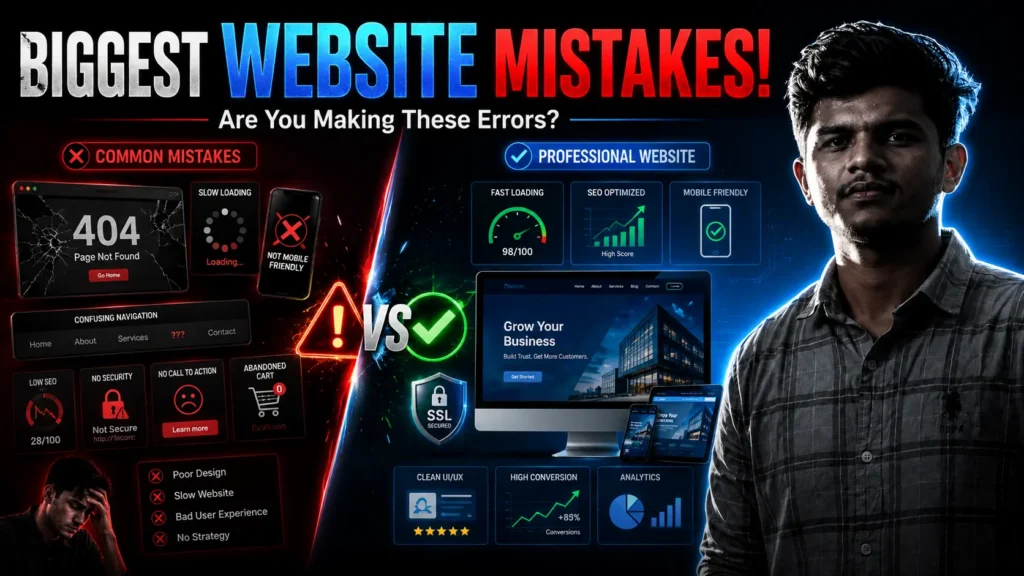
What Are the Biggest Mistakes Businesses Make When Creating a Website?

What Are the Biggest Mistakes Businesses Make When Creating a Website? Have you ever visited a business website and closed it within a few seconds? Maybe it took too long to load. Maybe you couldn’t find what you were looking for. Or perhaps it simply looked outdated, making you question whether the business was still active. Now imagine a potential customer doing the same thing on your website. The truth is, creating a website is easier than ever. There are countless tools, templates, and AI-powered builders that promise a professional website in just a few clicks. But having a website isn’t the same as having a website that actually works. A good website builds trust, answers questions, and guides visitors toward becoming customers. A poor website does the opposite—it confuses people, damages credibility, and sends potential business to your competitors. The encouraging news? Most website mistakes are preventable if you know what to look out for. Let’s explore the biggest mistakes businesses make when creating a website and, more importantly, how you can avoid them. 1. Starting Without a Clear Goal One of the most common mistakes happens before a single page is designed. Many businesses decide they “need a website” but never define why they need one. Is the goal to: Generate leads? Sell products? Accept bookings? Build credibility? Educate customers? Showcase a portfolio? Each goal requires a different approach. A restaurant website needs online reservations. A law firm needs trust-building content. An online clothing brand needs a smooth shopping experience. When you skip this planning stage, your website becomes a collection of pages instead of a tool that supports your business. Before development begins, write down the one primary action you want visitors to take. That single decision will shape everything from your layout to your content. 2. Designing for Yourself Instead of Your Customers It’s easy to become attached to colors, animations, or creative layouts because they look impressive. But remember this: Your website isn’t for you. It’s for your customers. Business owners sometimes choose designs based on personal taste instead of usability. Fancy animations, oversized images, or complicated navigation might look modern, but they often frustrate visitors. Ask yourself: Can someone find my services within seconds? Is the contact button obvious? Can people understand what I offer without scrolling endlessly? Good design isn’t about decoration. It’s about helping people accomplish what they came to do. 3. Ignoring Mobile Users Take a moment to think about how often you browse websites on your phone. Your customers do the same. For many businesses, most website traffic now comes from mobile devices. Yet some websites still look as though they were built only for desktop computers. Common mobile problems include: Tiny text Buttons that are difficult to tap Images that don’t resize properly Horizontal scrolling Slow loading over mobile networks If visitors struggle to use your website on their phone, many won’t give it a second chance. A responsive, mobile-friendly design is no longer optional—it’s expected. 4. Slow Loading Speeds Speed matters more than many businesses realize. People are impatient online. If your website feels slow, visitors often leave before they even see your products or services. Several things contribute to poor performance: Oversized images Too many plugins Unoptimized code Cheap hosting Excessive animations Unnecessary scripts Improving speed doesn’t just create a better user experience. It also supports search engine visibility and conversion rates. Every second you save can mean more people staying on your website. 5. Weak or Missing Calls to Action Imagine walking into a store where nobody greets you, answers your questions, or tells you where to go. That’s exactly what happens on many websites. Visitors shouldn’t have to guess the next step. Should they: Request a quote? Book a consultation? Buy a product? Contact your team? Download a brochure? A clear call to action removes uncertainty. Instead of generic buttons like “Click Here,” use meaningful actions such as: Get a Free Quote Book Your Consultation View Our Services Start Your Project Contact Our Team The simpler the next step, the more likely visitors are to take it. 6. Writing About the Business Instead of the Customer Many websites spend pages talking about themselves. “We started in…” “We have…” “Our company…” While your story matters, customers usually have one question: “Can you solve my problem?” Shift your focus toward their needs. Instead of listing features, explain benefits. Instead of saying you offer responsive design, explain that customers can browse comfortably on any device. When readers feel understood, they begin trusting your business. 7. Forgetting SEO Until After Launch Search engine optimization shouldn’t be an afterthought. Many businesses finish building a website and only then begin asking why they aren’t appearing on Google. SEO starts during planning. That includes: Keyword research Logical page structure Fast loading speeds Clear headings Internal links Optimized images Helpful content Building SEO into the website from day one is far easier than fixing problems later. 8. Using Poor Quality Images Visuals communicate professionalism before visitors read a single sentence. Blurry photos, stretched logos, inconsistent branding, or generic stock images can reduce trust almost instantly. Whenever possible, use real photographs of: Your team Your office Your products Completed projects Happy customers (with permission) Authentic images help people connect with your business in a way stock photos rarely can. 9. Choosing Technology Without Understanding It Business owners often hear phrases like: WordPress React Shopify Custom development Headless CMS Without understanding the differences, it’s easy to choose based on trends instead of business needs. The newest technology isn’t automatically the right technology. Choose a platform that matches: Your budget Your technical skills Future growth Required features Maintenance expectations Technology should support your business—not complicate it. 10. Neglecting Website Security Security isn’t only a concern for large companies. Small businesses are targeted too. Basic security measures include: HTTPS encryption Strong passwords Regular updates Secure backups Malware scanning Two-factor authentication where possible Protecting your website protects your reputation. 11. Making Navigation Complicated People shouldn’t need instructions

WordPress or a Custom-Built Website
Uncategorized

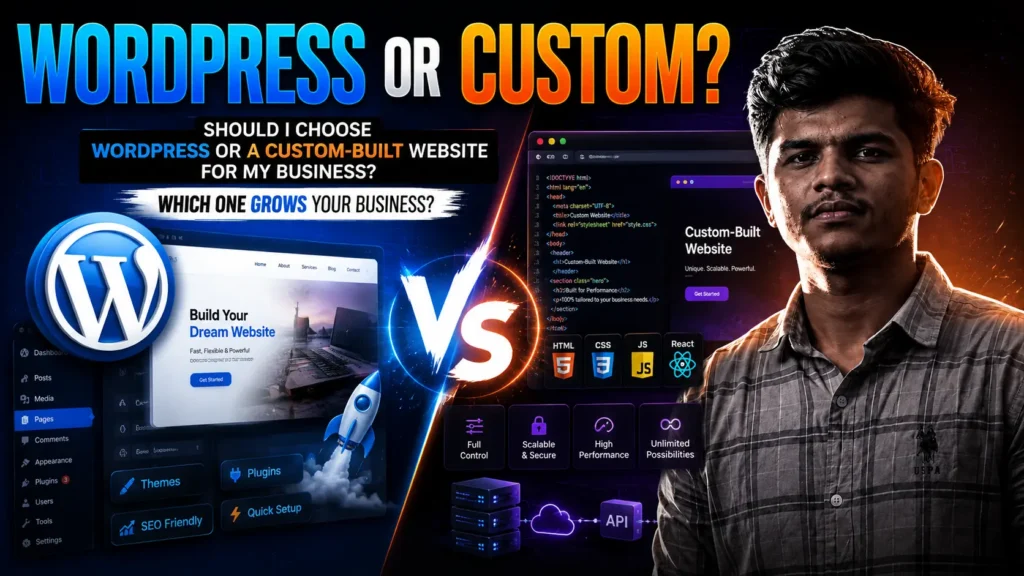
Should I Choose WordPress or a Custom-Built Website for My Business?

Should I Choose WordPress or a Custom-Built Website for My Business? If you’re planning to build a website for your business, you’ve probably come across the same question over and over again: “Should I choose WordPress, or should I invest in a custom-built website?” It’s a fair question, and the answer isn’t as simple as saying one is better than the other. I’ve spoken with business owners who spent thousands on a custom website only to realize they needed something much simpler. I’ve also seen businesses start with WordPress and later hit limitations because their company grew faster than expected. So instead of telling you which option is “the best,” let’s look at what each one offers, where each shines, and how to decide which fits your business, not someone else’s. WordPress or a Custom-Built Website First, What Is WordPress? WordPress is one of the world’s most popular website platforms. In fact, millions of websites run on it, from personal blogs to online stores and corporate websites. Think of WordPress as a ready-made foundation. Instead of building everything from scratch, you get a system that already handles many essential website functions. You can install themes, add plugins, create pages, publish blogs, and even launch an online store without developing every feature yourself. That popularity exists for a reason. It makes creating and managing websites much easier than starting with a blank screen. What Is a Custom-Built Website? A custom-built website is exactly what it sounds like. Instead of relying on an existing platform, developers create the website specifically for your business using technologies like HTML, CSS, JavaScript, React, Next.js, Laravel, Node.js, or other modern frameworks. Everything from the design to the functionality is built around your business goals. No unnecessary features. No limitations from existing templates. Everything is created with your requirements in mind. Why This Decision Matters The Biggest Advantages of WordPress Many business owners think they’re choosing between two ways of building a website. They’re actually choosing how they’ll manage their online business for years. Your website affects: Customer trust Search engine rankings Loading speed Marketing campaigns Future upgrades Security Maintenance costs Business growth Choosing the wrong platform can lead to unnecessary expenses, technical problems, and frustration later. Choosing the right one can save time, money, and countless headaches. Let’s start with the reasons so many businesses choose WordPress. 1. Lower Initial Cost For startups and small businesses, budget matters. Building a custom website often requires more development time, while WordPress reduces many of those costs because the foundation already exists. If you’re launching a new business, this can make a huge difference. 2. Faster Development Need your website online quickly? WordPress usually wins. Instead of building every feature from zero, developers can customize existing tools, reducing development time dramatically. Many business websites can be completed within days or weeks instead of months. 3. Easy Content Management One of WordPress’s biggest strengths is how easy it is to update. Want to: publish a blog? change a product price? replace an image? update your services? You can often do it yourself without contacting a developer. For many businesses, that’s incredibly valuable. 4. Huge Plugin Ecosystem Need booking functionality? Need WhatsApp integration? Need contact forms? Need SEO tools? Need eCommerce? There’s probably a plugin for it. This flexibility makes WordPress attractive for businesses that need common website features. 5. SEO Friendly WordPress is built with search engines in mind. Combined with good content, proper optimization, and quality hosting, WordPress websites can rank extremely well on Google. Remember, SEO depends much more on your content, website speed, and overall optimization than simply choosing WordPress or custom development. Where WordPress Falls Short Although WordPress is excellent, it isn’t perfect. Too Many Plugins Can Slow Everything Down Many websites end up installing dozens of plugins. Each one adds extra code. Eventually, the website becomes slower, harder to maintain, and sometimes less secure. More isn’t always better. Generic Designs Many businesses install a theme and barely customize it. The result? Hundreds of websites that look almost identical. Standing out becomes difficult. Plugin Conflicts Sometimes one plugin breaks another. An update can unexpectedly affect features that worked perfectly yesterday. While experienced developers know how to manage these issues, they can still become frustrating. Security Depends on Maintenance WordPress itself is secure when properly maintained. The real risks usually come from: outdated plugins abandoned themes weak passwords poor hosting Regular updates are essential. The Biggest Advantages of Custom Development Now let’s look at custom-built websites. Complete Freedom This is probably the biggest reason businesses choose custom development. You’re not limited by themes or plugins. Every feature can be designed exactly the way your business needs it. If you imagine it, developers can build it. Better Performance Because only the necessary code is written, custom websites are often faster. There’s no unnecessary plugin code running behind the scenes. This usually means: quicker loading smoother user experience improved Core Web Vitals better scalability Easier to Scale Imagine your startup grows from 500 monthly visitors to 500,000. Custom-built websites are generally easier to optimize for large-scale growth because they’re designed around your specific business. You aren’t trying to force advanced functionality into a system that wasn’t originally built for it. Strong Brand Identity A custom website doesn’t need to resemble anyone else’s. Every detail from animations to layouts and interactions can reinforce your brand. For companies competing in crowded markets, this uniqueness can make a lasting impression. Better Integration Businesses often use: CRM software ERP systems inventory management booking systems payment gateways customer portals Custom development makes these integrations much easier and cleaner. Where Custom Websites Have Challenges Custom development isn’t automatically the better choice. It also comes with trade-offs. Higher Cost Building from scratch naturally requires more development time. More time usually means higher investment. For many startups, that money could be better spent on marketing or customer acquisition. Longer Development Time A custom website isn’t created overnight. Planning, design, development, testing, revisions, and deployment all take

Uncategorized

What Are the Steps to Creating an SEO-Optimized Website?

The 2026 Website SEO Framework: Plan First, Publish Second Getting online is easy. Getting found isn’t. Getting a website online has never taken less effort. Pick a builder, drop in a template, add your logo, and you’re live within hours. What hasn’t gotten easier is making sure real people actually land on that site through search. Search engines today weigh far more than where your keywords sit on the page. They’re trying to judge whether a page is trustworthy, fast, well-built, and genuinely useful to whoever typed in the query. A site can look polished and still get buried if it doesn’t clear that bar. That’s the core argument of this framework: SEO isn’t a task you handle after the build. It’s a lens you apply to every decision which audience you serve, how pages are organized, what gets written, and how the whole thing performs technically. Start with a decision, not a design Skip the domain-buying and theme-picking for a moment. First, answer a harder question: what is this site supposed to accomplish? A consultant’s site built to book calls behaves differently from a shop built to move product, which behaves differently from a portfolio built to land freelance work. Each of those goals pulls the entire site in a different direction: different page priorities, different calls to action, different metrics of success. Layer audience research on top of that goal. Who’s actually going to land on these pages, and what are they stuck on? A site built around a guess at what visitors want rarely performs as well as one built around research into what they’re actually typing into Google. Search intent decides what a page should say New site owners often jump straight to keyword lists. That’s premature; a keyword is only useful once you understand why someone typed it. Four broad intent types cover almost every query: People looking to learn something (“how does SEO work”) People looking for a specific destination a brand name, a known site People comparing options before they commit to anything People ready to buy or act right now A well-rounded site has pages built for each. Educational blog content answers the learners. Service or product pages answer the buyers. Comparison guides and case studies sit in between, nudging undecided visitors toward a decision. Get the intent-to-page match wrong, and visitors bounce almost immediately  a signal search engines pick up on fast. Building a keyword list that actually converts Going after the single most-searched term in your industry is rarely smart; that’s where every competitor with a bigger budget is already fighting. A stronger approach layers three types of terms: A primary term that defines what the page is fundamentally about Supporting terms that reinforce the topic without repeating the same phrase over and over Longer, specific phrases that get searched less often but pull in visitors much closer to converting Rather than building a page around a single word, aim for how people phrase real questions  “SEO mistakes small businesses make” reads and ranks differently than “SEO mistakes.” The more a keyword resembles an actual sentence someone would type, the more it tends to reflect genuine intent. Let competitors do some of your research for you Every niche already has a handful of pages sitting at the top of search results. Study them instead of resenting them. Open the top-ranking pages for your target terms and take notes: how the page is laid out, how deep the content goes, how internal links are used, how fast it loads, what visuals it includes, and where it pushes visitors to act. Then look for the gap. What question does it leave unanswered? What would make the explanation clearer? What’s missing that you could add? The point isn’t imitation. It’s finding the opening where you can genuinely outdo what’s already ranking. Design your sitemap before your homepage It’s tempting to open a design tool and start with the homepage. Resist that  map the full site structure on paper (or in a doc) first. Most business sites need some version of: Home, About, Services (broken into individual pages, not lumped together), a portfolio or case-study section, a blog, FAQs, and a contact page. Deciding this early prevents a common problem: two different pages quietly competing for the same search term instead of each owning its own territory. It also sets you up for cleaner internal linking once the pages actually exist, which helps visitors and crawlers move through the site with less friction. Brand identity comes before color choices A logo is not where branding starts. Branding starts with deciding what you want people to associate with your business: the tone, the values, the thing that makes you different from the next result on the page. Colors, fonts, and imagery should follow from those decisions, not lead them. When a brand feels consistent everywhere someone encounters it  the homepage, a blog post, a social post  that consistency builds recognition, and recognition builds trust. And trust has become something search engines are actively trying to detect and reward, not just a nice side effect of good branding. Build for the visitor, and the ranking tends to follow A large part of how search engines judge a page comes down to a simple question: does this actually work well for the person reading it? That means obvious navigation, legible type, enough breathing room between elements, and a mobile layout that wasn’t clearly an afterthought. Speed is part of that experience too. Heavy image files, unnecessary motion effects, and script-heavy pages slow everything down, and slow pages lose visitors fast  sometimes within a couple of seconds. Keeping things lean serves the reader and the ranking at the same time. The technical layer nobody sees but every crawler reads Strong content sitting on a poorly built site still struggles to rank if search engines can’t parse it cleanly. These aren’t optional extras  build them in from the start: Clean, semantic HTML that signals what each section actually

Scroll to Top